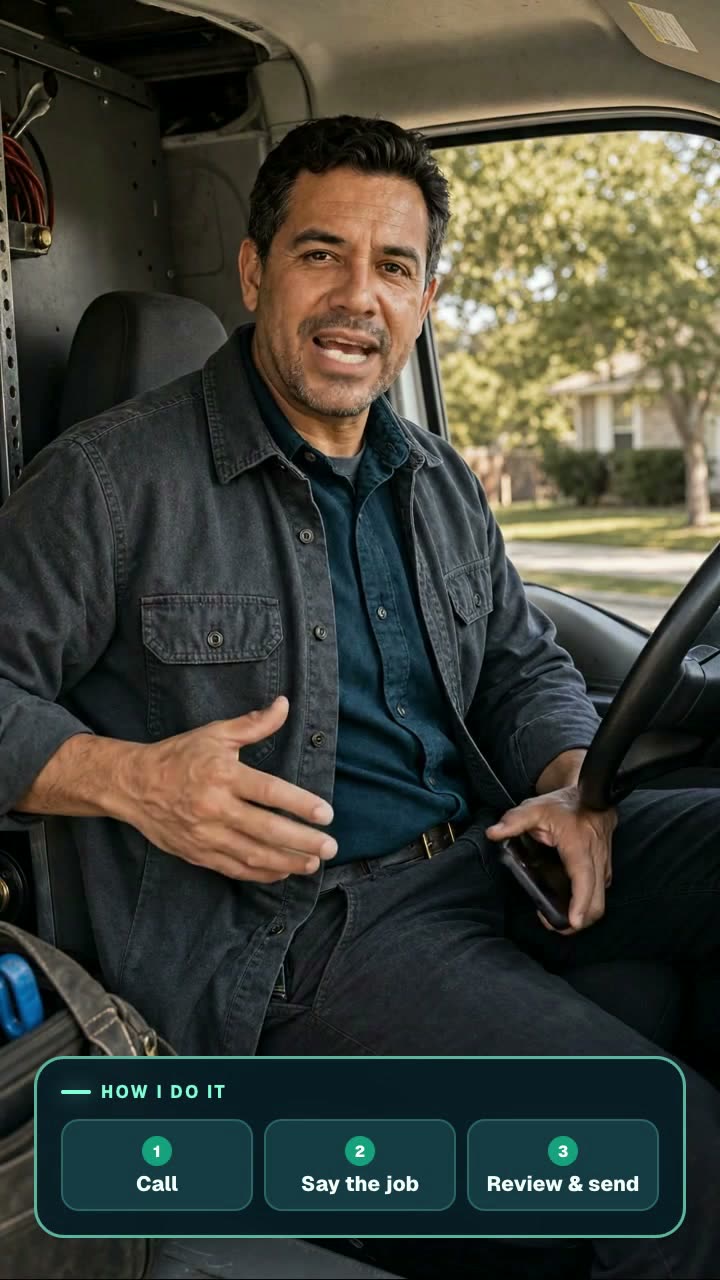
Text or speak the job.Get the invoice.Before you drive off.

Text what you did and what it costs. We send back a clean invoice you check and send from the truck. Hands full? Call the same number and say it. No app to install.

Free during the pilot. We tell you before anything costs money. Spanish coming soon.

Real job, 43 sFinished the job? Skip the paperwork.
Built for
  • Plumbing
  • HVAC
  • Electrical
  • Handyman
  • Painting
  • Landscaping
  • Remodeling

How it works

1. Text it in

One message with the address, the work, and your prices. Replaced 40 gal water heater at 212 Oak. Unit $850, labor $300.

2. Check the draft

A link comes back in about a minute. Open it, fix anything, add the customer. Your prices, never ours.

3. Send it

Email it from the truck or copy a link and text it yourself. The customer sees a clean invoice and how to pay you.

Or call it in

Hands dirty? Call the same number, say the job, and say “that’s it.” Same invoice, same link.

Watch a real job

43 seconds
Jobsite story

Finish the job. Send the invoice before you drive away.

A customer reminds the contractor about the invoice. He walks to his truck, texts the job details, reviews the editable draft, and shares the customer copy.

What this demonstration shows

See the realistic customer handoff, the message being typed and sent, the editable invoice review, exact totals, and the read-only customer sharing options.

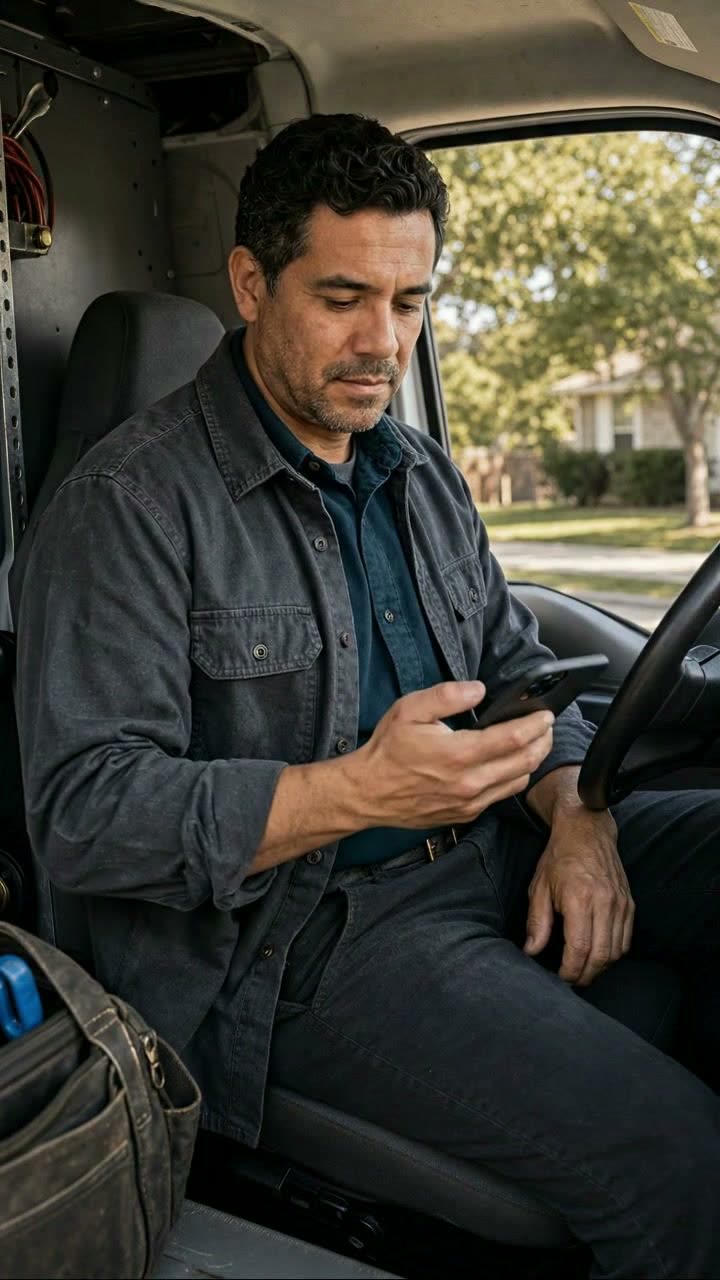
48 seconds
Speak jobsite story

Finish the job. Call in the invoice before you drive away.

The contractor explains the Speak route from his truck, calls the number, says the completed work and prices naturally, and receives the editable invoice link.

What this demonstration shows

Hear the contractor explain the three-step process in his own words, then watch the real greeting, job details, confirmation, and editable invoice arrive ready to review and send.

47 seconds
Text route

Text the job details

Send the address, work, and prices in one simple message. Your organized invoice comes back ready to review.

What this demonstration shows

Provide the job details, receive a structured draft, verify the amounts, and choose when and how to share the customer's invoice.

48 seconds
Speak route

Say the job out loud

Call, describe the completed work naturally, and say “that’s it.” The same editable invoice arrives by text.

What this demonstration shows

Provide the job details, receive a structured draft, verify the amounts, and choose when and how to share the customer's invoice.

Need a clean link to send someone? Open the demos page.

What you can count on

  • You set every priceWe only use the numbers you send. Anything unclear gets flagged for you to fix.
  • Nothing sends until you say soEvery invoice is a draft until you tap send. Your customer never sees the editable copy.
  • Looks like a real invoiceYour business name, the work, the total, and how to pay. Venmo, Zelle, check, card.
  • Works from any phoneTexting and calling. Nothing to download, nothing new to learn.

From the pilot crew

It’s simple and easy to use. Invoicing just works.
CharlesHandyman
There’s no app to download and no new system to learn.
OscarPainter
Creating an invoice feels natural and straightforward.
MaikelLandscaper

Send the next one before you leave the driveway.

One phone number, one code, no password. Set up your business name and how you get paid in about two minutes.

Text your first job free